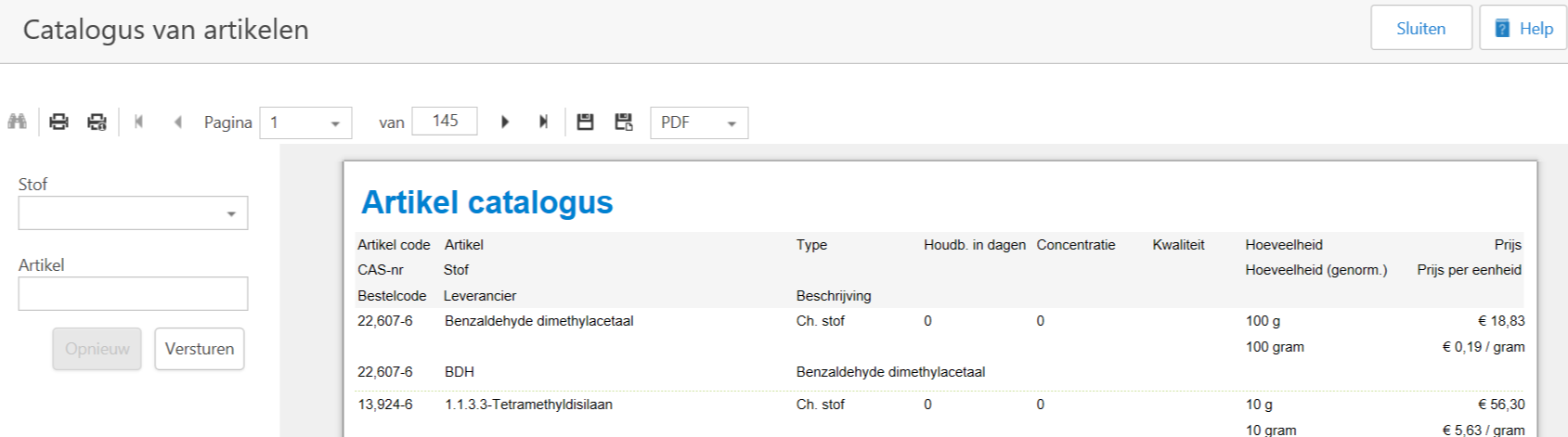
With this report you can generate an overview of the available substances, by substance or article name or a general catalogue of all available substances. You will see the following fields:
- Article code, CAS number or order number;
- Article name, Substance name and supplier name;
- Type and description of the substance;
- Shelf life in days (if filled);
- Concentration (if filled);
- Quality;
- Quantity and the standardised quantity in units (litres or grams);
- Price and price per unit.
This does not allow you to see which articles are actually in stock; the report Stock or Stock per room is intended for this purpose.
Create a report Catalogue
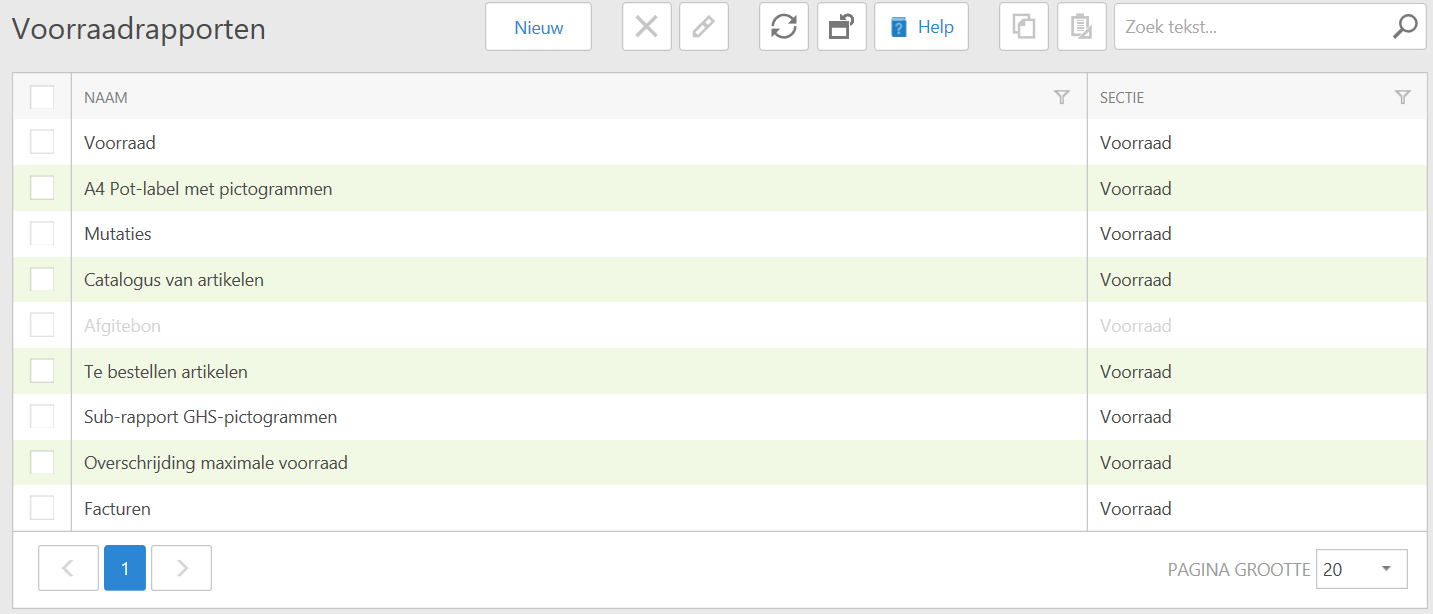
- In the menu on the left, go to Reporting > Stock. Here you will see the different reports you can choose. Click on the report Catalogue of articles. A new window will open.
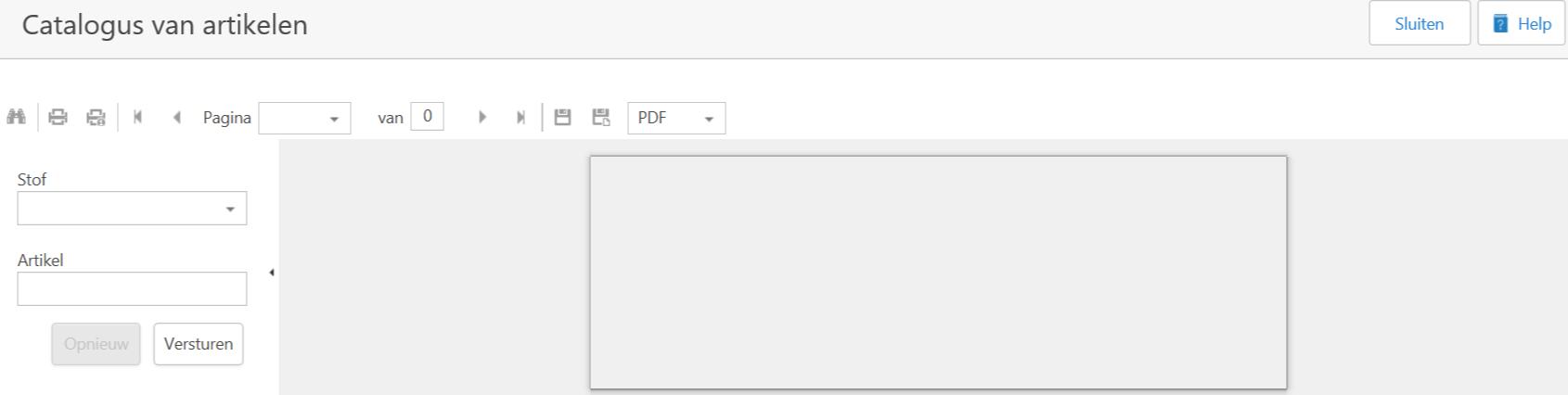
- If you want to search by substance name and you know (part of) the name, you can type it in the Substrance field. You can also search for the substance by clicking on the black arrow ().
- If you want to search by article and you know the name of the article, you can type it in the field Article. You cannot search for items with a drop-down window here.
You must add the article names or numbers to the fabric yourself. Had you previously been GROS and switched to SOFOS 360®, this information has already been taken over from GROS.
- If you want to print the total catalogue, leave both fields empty. The larger the search query and the larger the purchased database, the longer it will take to load it.
You confirm your order with Send.
- You can now further process the created report.
See Also
